Berklee Capstone · Spring 2026
A Physical Sound Engine
A real-time sound engine that computes every sound from the physics of contact. There are no audio files in the engine.
01
Resonance
Objects prefer certain vibration frequencies. Strike one, and those frequencies ring out.
These are its modes — set by an object's shape, density, material, and boundary conditions.
An object's sound is the sum of its modes.
02
Single Mode
A mode needs only three numbers:
· frequency — how high
· amplitude — starting loudness
· decay — fade time
Those three are enough to synthesize that mode.
03
16 Modes
Real objects ring through many modes at once — often hundreds.
04
Inharmonicity
Strings ring at integer multiples — harmonic, pitched.
Bells, plates, and glass have scattered modes — inharmonic, noise-like.
05
Why Not Record?
Wood on metal? One take. Metal on plastic? Another. Contact sounds quickly become X × Y × Z assets.
06
Synth, Not Sample
Recordings replay a fixed take. Synthesized sound can change while it rings — move a material slider and the tail morphs live.
07
Physics → Sound
Each collision gives impulse, contact point, normal, and PhysicsMaterial from Unity physics.
08
Coupled Materials
A metal ball on wood is two objects sounding together. One voice holds both materials so each side can damp the other.
09
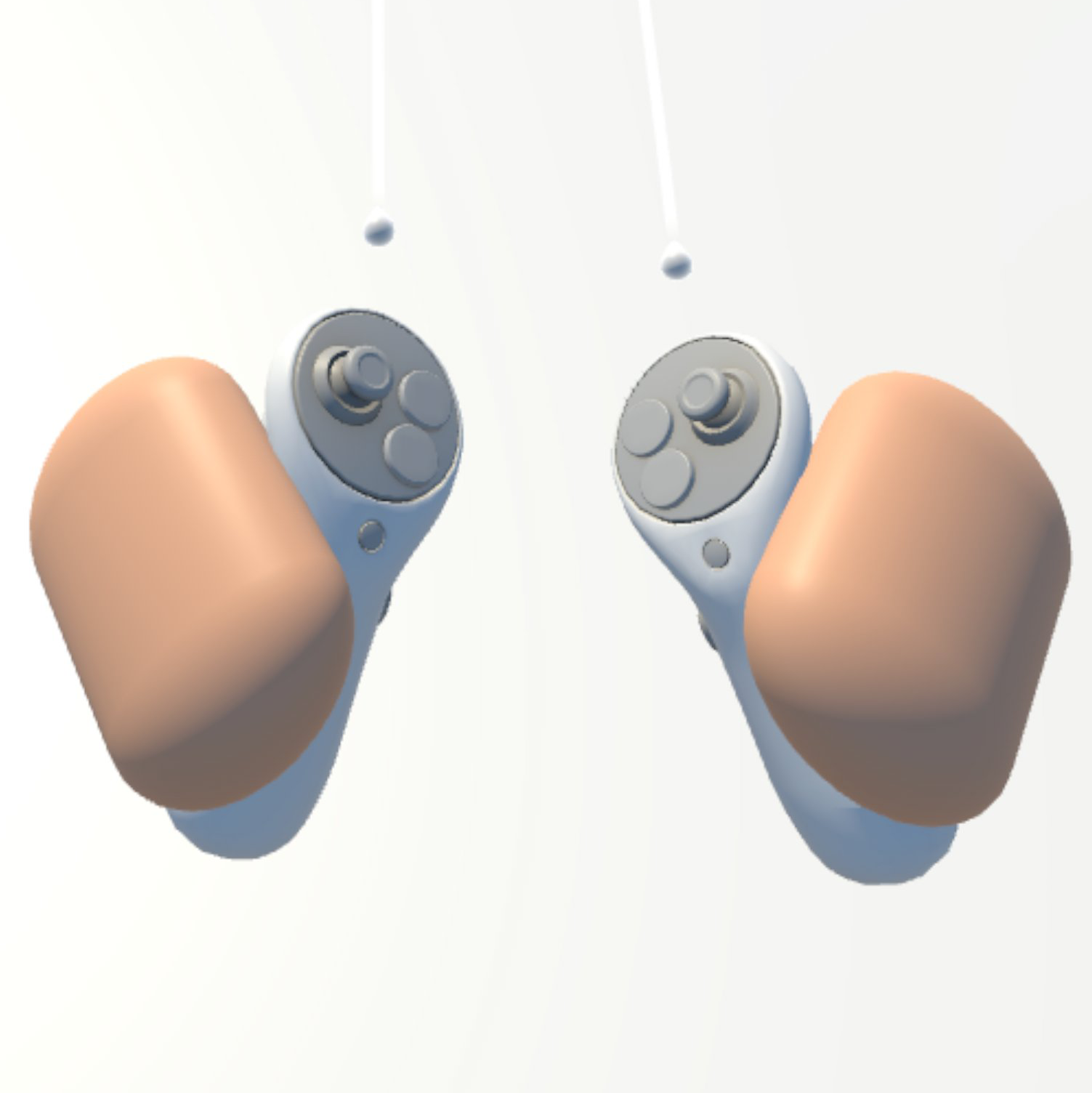
Physical Hands
Put on the Quest and raise your hands. The visible hands are physics rigidbodies, not just meshes.
They push, hit, and grab with real collision response — the shared entry point for every demo.
10
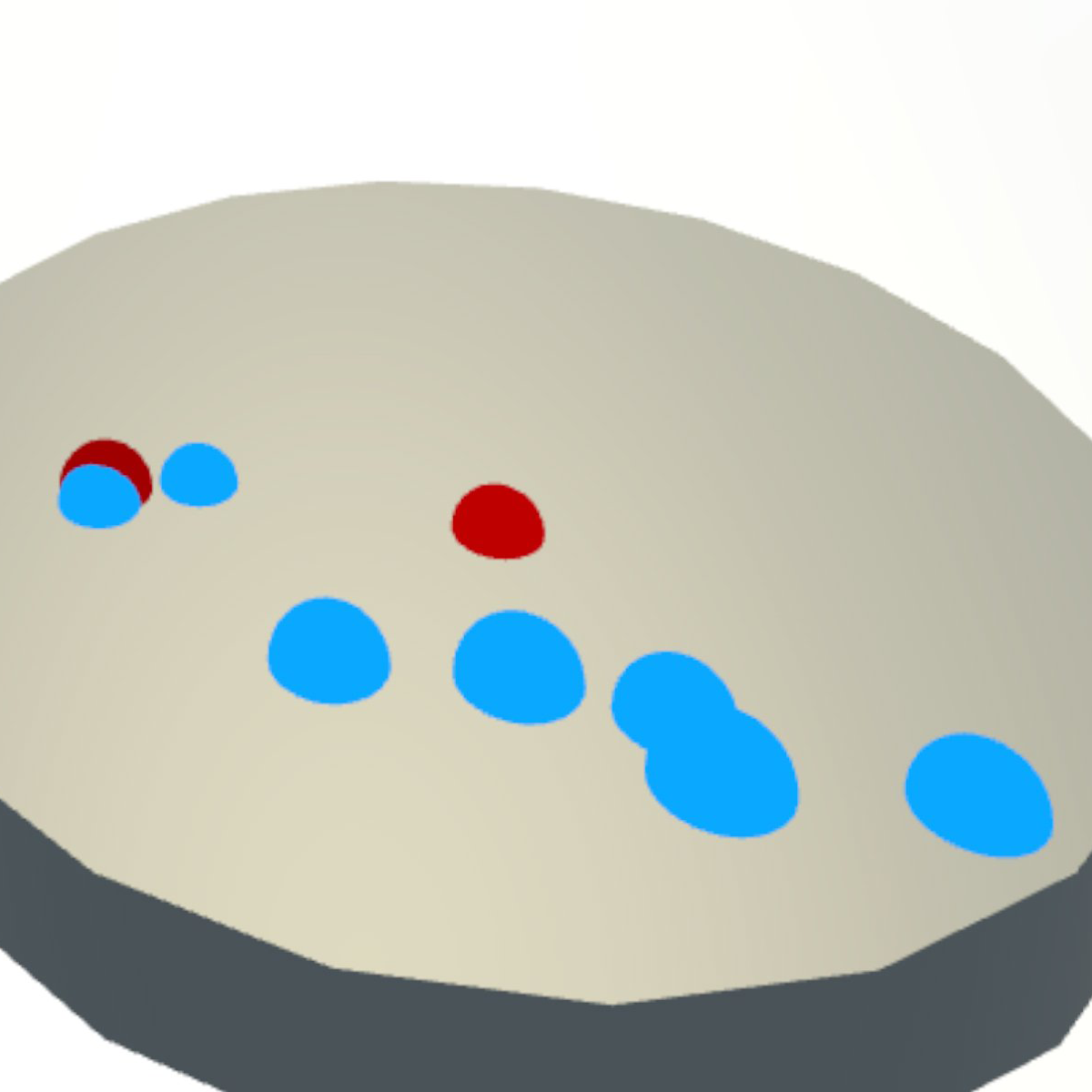
Contact Markers
Impacts draw a red dot at contact; size = impulse. Friction draws blue ticks along the path; size = slide speed.
Audio, haptics, and visuals are locked to the same physics event.
11
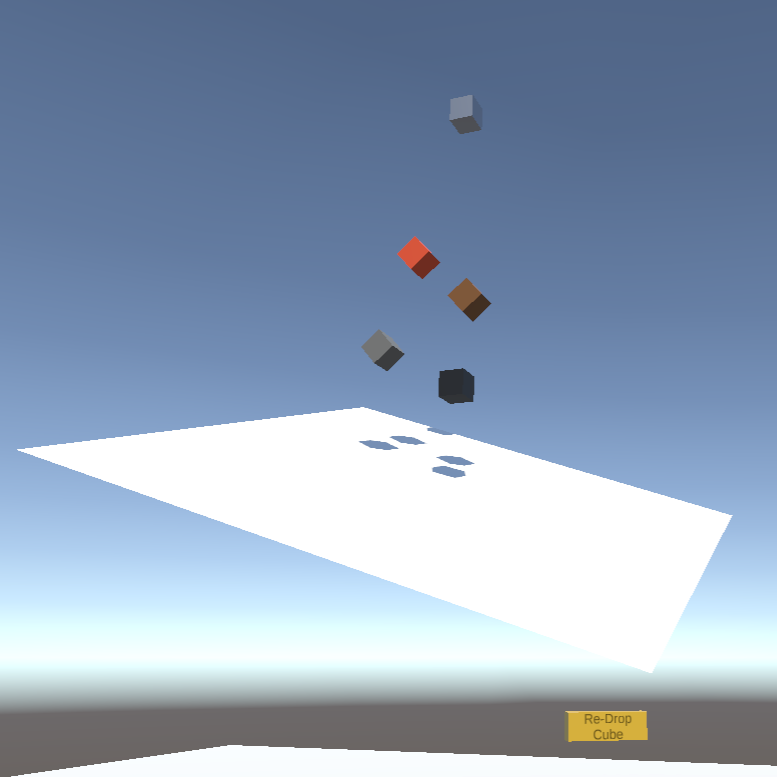
Ramp Drop
Press the button. The cube drops onto the ramp, then rolls and slides with generated contact sound.
12
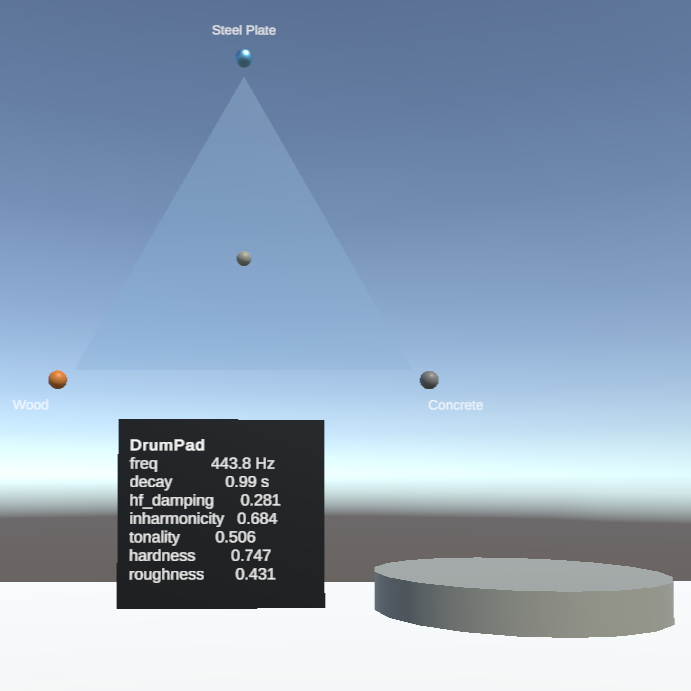
Tri-Mixer
Three corners, three materials. Drag the puck and the drumpad's timbre follows in real time.
13
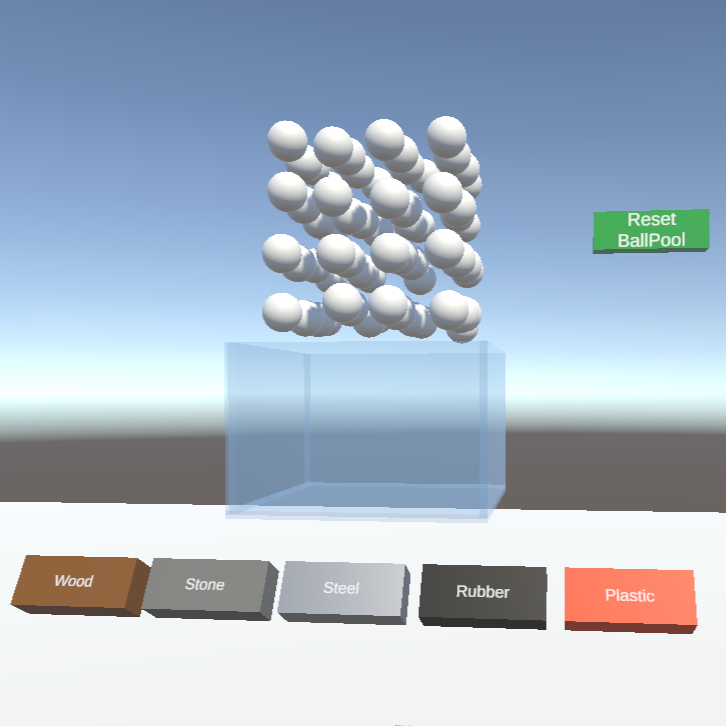
Ball Pool
Reach in and stir. Dense granular contact sound emerges naturally; swap materials live.
Quest 3 build
All of the above, in 3D
Two minutes of in-headset capture on a Quest 3 standalone — physical hands, contact markers, the three demos, all running on the same engine.
14
Voice Pool
At startup, the DSP pre-allocates 64 voices — each with its own mode banks, state, and output stream.
Each collision borrows an idle voice and returns it when silent. No runtime allocation: Quest 3's mobile CPU cannot afford it.
15
Physical Grabbing
Default XRI grabbing makes objects "float" in the hand — clipping through walls and making forward/back throws feel weak.
Here, the grabbed cube remains a physics rigidbody: collisions push back, and throws follow controller kinematics.
16
Audio-Driven Haptics
Controller vibration tracks the sound's amplitude envelope in real time — hand and ear stay on the same timeline.
17
HRTF Spatialization
Each voice position goes into Steam Audio and is rendered through a generic HRTF (head-related transfer function).
18
Unity ↔ DSP
From Faust source to headphones: 5 single-purpose layers, one C# / C++ file each.
modal-resonator.dsp → C++ sound_engine.cpp → SE_* plugin for Win / Mac / AndroidNativeDSP.cs exposes init, voice allocation, material pair, impact, contact, and compute callsVoicePool.cs calls SE_Init(sr, 64) and creates 64 SpatialVoice objectsCollisionSoundManager.cs reads collision physics and updates the DSPSpatialVoice → spatialized AudioSource → SE_Compute → Steam Audio HRTF → headphonesDetailed DSP flow chart on the back of the poster (PDF) ↗.
19
WebUI Material Tuning
Drag 7 material sliders in the browser and hear the result live — no VR headset required.
Same DSP source as the VR demo: Web, Unity, and Quest compile from this one file.
20
About the maker
I'm Mofei Li, graduating from Berklee College of Music in May 2026 with a degree in Games & Interactive Media Scoring. This engine is the most ambitious thing I've built so far.